
Appearance
Shops & Selling
Everything you gather, craft, and loot in Paradise Cove can be turned into Gold. The Cove gives you three core ways to buy and sell, each suited to a different kind of trade. Master all three and you'll always get the best price for your honey.
This guide walks through the Auction House, the Server Shop, and player market stalls, with a how-to for each. To bring buyers right to your storefront, pair a stall with a player warp.
1. The Auction House
The Auction House is the Cove's bustling trade hall, perfect for one-off sales when you want to set your own price and wait for a buyer.
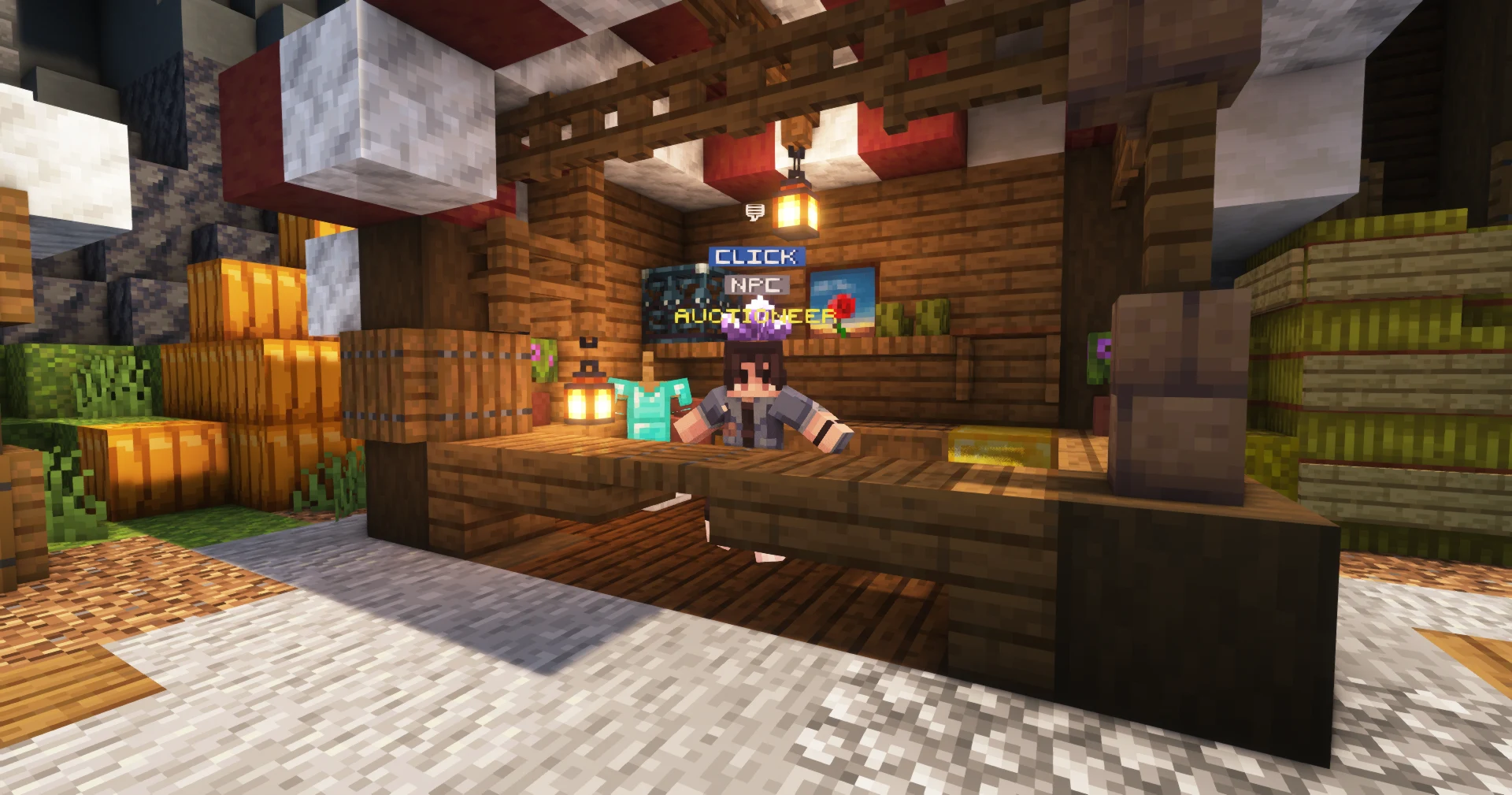
/ah from anywhere.How to use it
- Type
/ahanywhere to open the Auction House, or talk to the Auctioneer at spawn. - Hold the item you want to sell and post a listing.
- Set your price.
- When another player buys it, the Gold comes straight to you. No haggling, no waiting around in person.
Auction House rules
| Detail | Value |
|---|---|
| Listing fee | 5% of your asking price, paid upfront when you list |
| Listing duration | 48 hours |
| Minimum price | 250 Gold |
| Listings per player | Unlimited |
The 5% listing fee is non-refundable
You pay 5% of your asking price the moment you list an item. If the item doesn't sell before the 48-hour window expires, the item returns to you but the fee is gone. Price sensibly.
Your number of listing slots scales with your rank, so the higher you climb, the more you can sell at once.
Best for one-off sales
Got a single rare drop or an enchanted tool to flip? The Auction House is your fastest path to a fair price without running a full shop.
2. The Server Shop
The Server Shop is a built-in shop menu that buys and sells common goods at reliable, fixed prices. It's the dependable baseline of the Cove's economy.
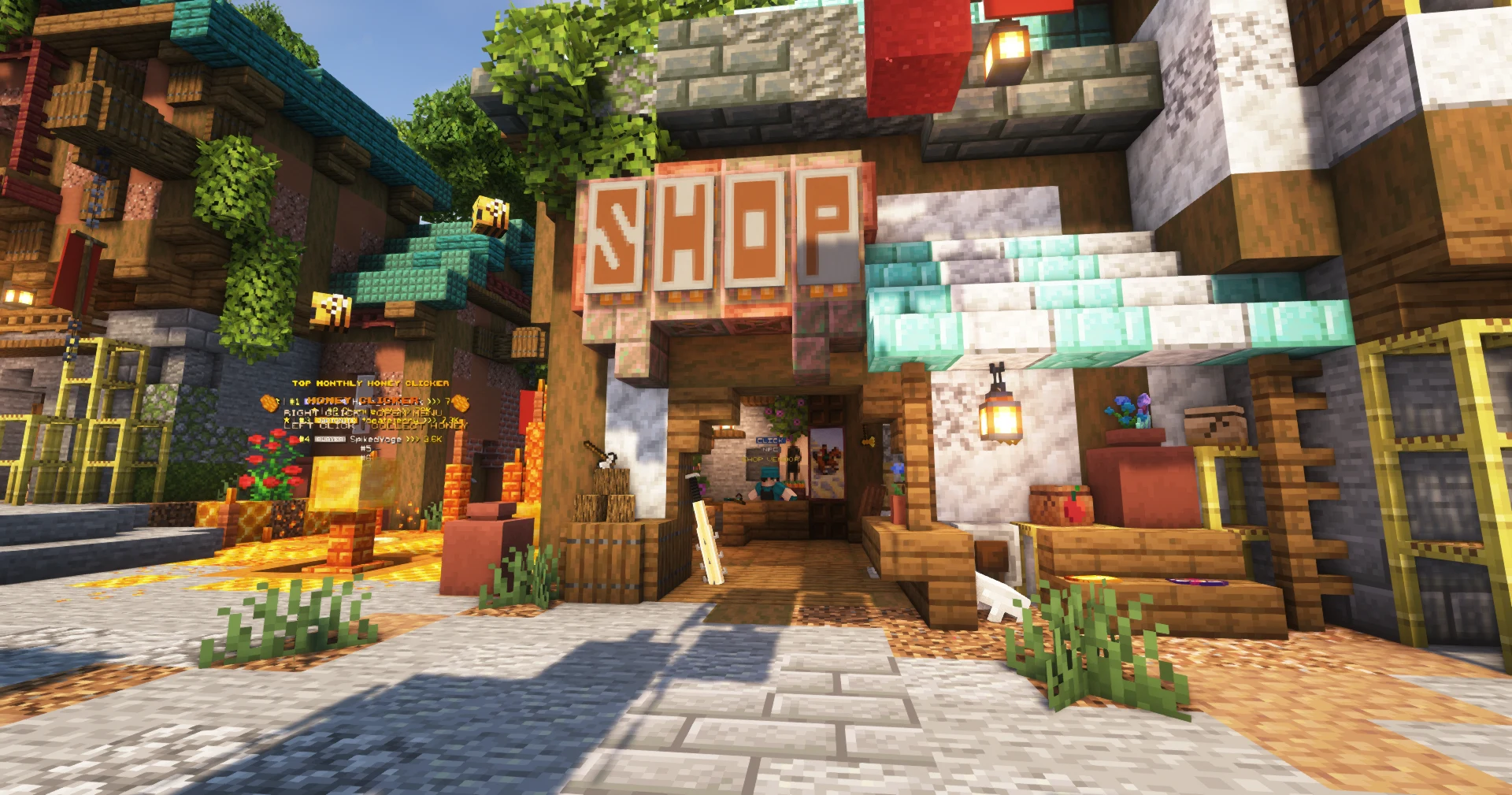
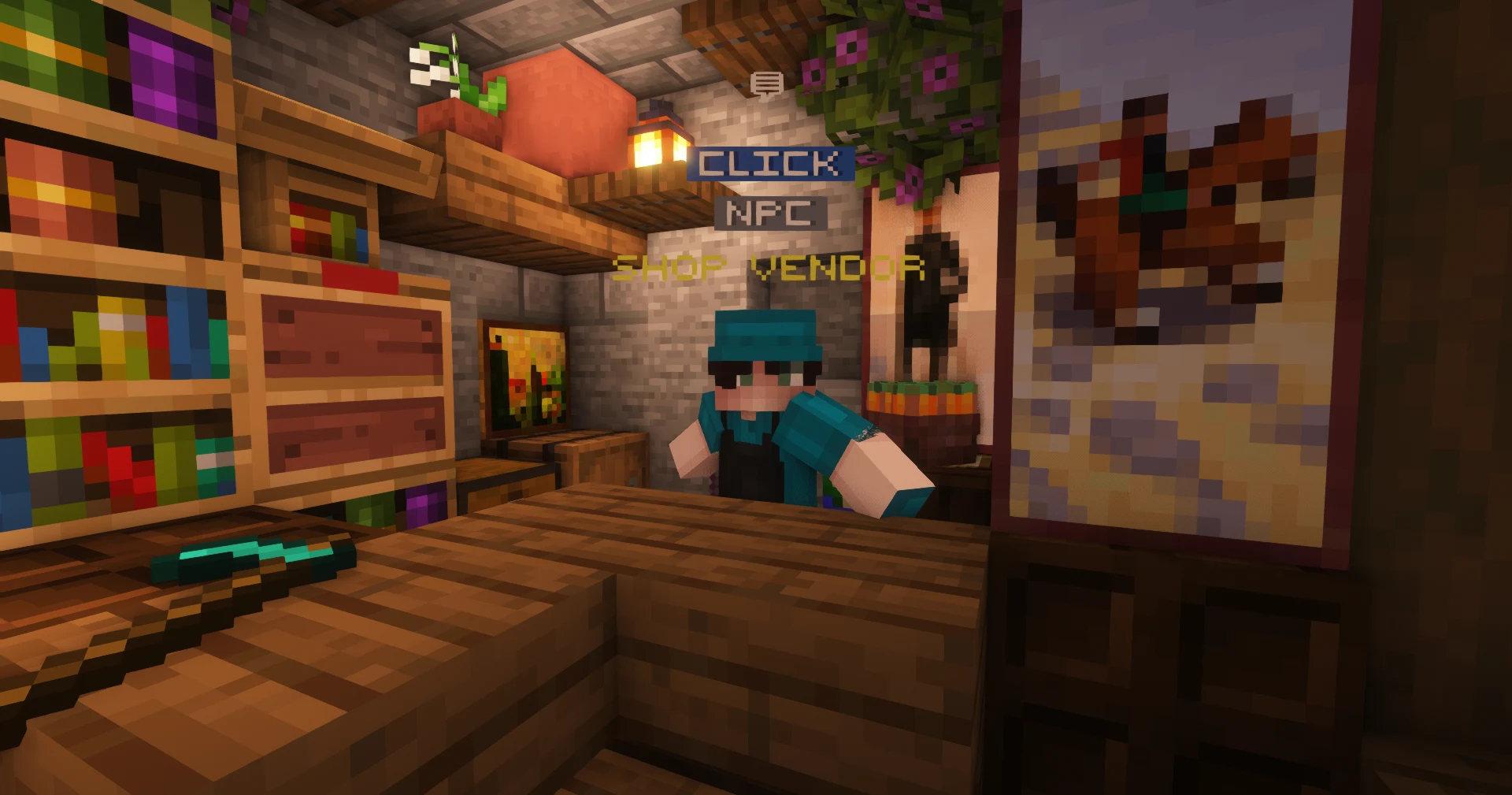
Categories include:
| Category | What's inside |
|---|---|
| Ores | Mined ores and minerals |
| Blocks | Building blocks and bulk materials |
| Food | Edibles and ingredients |
| Farming | Crops and farm goods |
| Drops | Mob loot and gathered drops |
| Miscellaneous | Everything else |
Because the prices are set, the Server Shop is the go-to for offloading bulk gathered materials. Cleared out a cave or harvested a huge farm? Sell it here for instant, predictable Gold.
Reliable, every time
The Server Shop never runs out of buyers and never lowballs you below its set rate. It's the steady floor under the whole economy.
3. Player Market Stalls
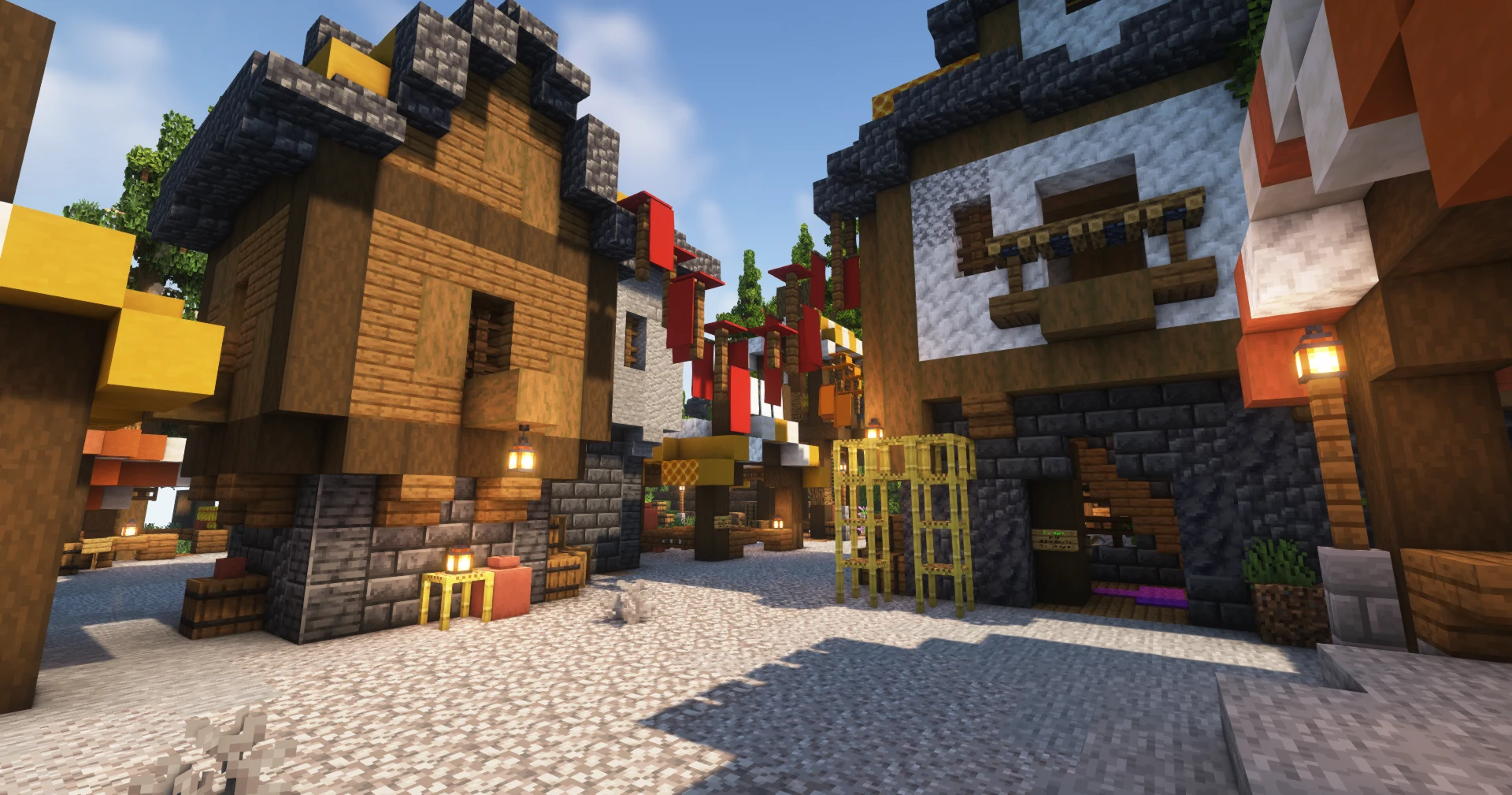
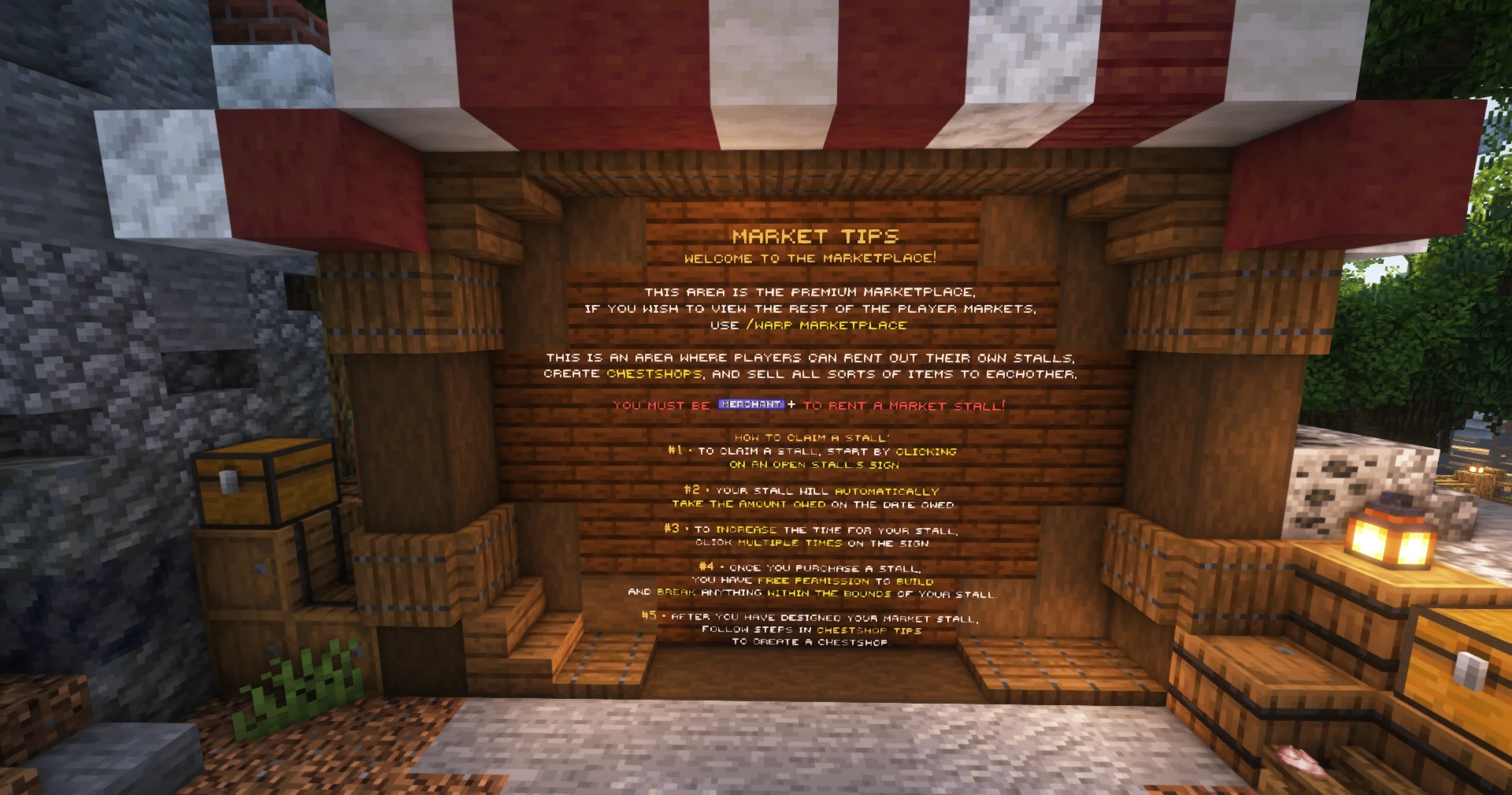
Once you reach Merchant rank, you can rent a stall in the marketplace and sell your goods face-to-face at your own prices.
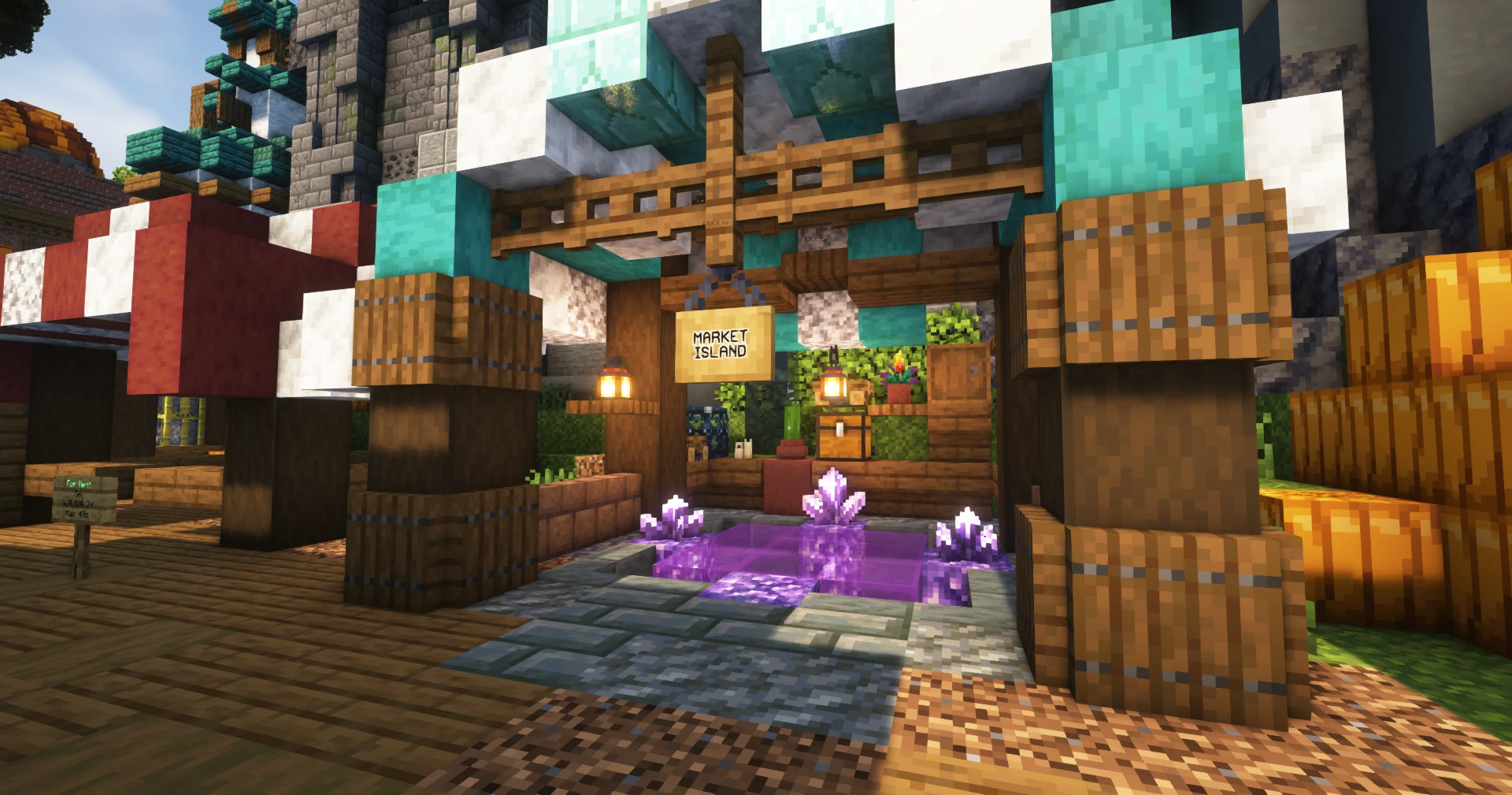
Stall rent prices
Stalls come in tiers. Rent is paid in Gold and covers a 7-day period. You can hold a maximum of 2 rentals at once.
| Tier | Rent (Gold per 7 days) |
|---|---|
| Tier 1 | 10,000 |
| Tier 2 | 15,000 |
| Tier 3 | 20,000 |
| Tier 4 | 30,000 |
| Tier 5 | 45,000 |
| Tier 6 | 60,000 |
How it works
- Reach Merchant rank to unlock stall rental.
- Rent an open stall in the marketplace.
- Build out your stall and set up your shops with
/chestshop(see below). - Set your own prices and let shoppers come to you.
Stalls are ideal for sellers with steady stock to move. Price competitively and the marketplace becomes your storefront.
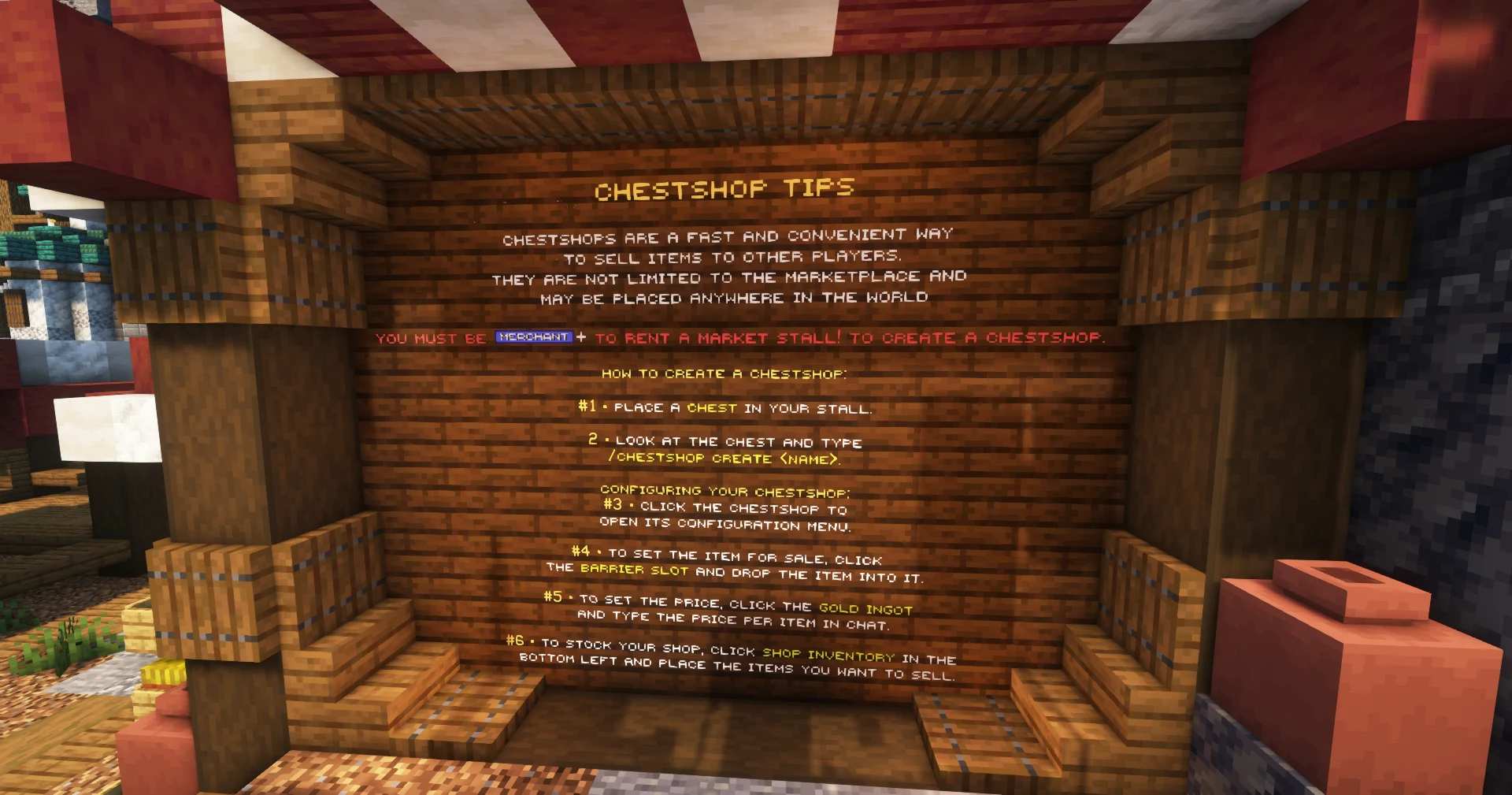
Using ChestShop
Inside your stall, individual buy/sell shops are run with the /chestshop command suite. ChestShops are free to create and there is no limit on how many you can run. Each shop is tied to a chest and can be set to buy or sell mode, with its own price and stock.
| Command | What it does |
|---|---|
/chestshop create | Start a new shop on a chest |
/chestshop list | See all the shops you own |
/chestshop rename | Rename one of your shops |
/chestshop show | Display a shop's details |
/chestshop remove | Take a shop down |
/chestshop help | Full in-game command reference |
Stock a shop by dropping items into its chest, and shoppers can click it to open a clean buy/sell menu with live stock indicators. A single or double chest sets how much the shop can hold.
Setting up your marketplace
Creating your own shop in the marketplace is quick once you've rented a stall. Follow these in-game steps:
Bring buyers to your stall
Pair your stall with a player warp (/pw) so customers can teleport straight to it in one click.
Bring Buyers to You
A shop nobody can find doesn't sell. Once you've got stock to move, set up a player warp (/pw) so buyers can teleport straight to your stall or farm in one click. It's the difference between a hidden chest and a real storefront.
Looking for exclusive custom items instead of player goods? The Travelling Merchant at spawn rotates rare stock daily.
Which Should I Use?
Quick decision guide
- Quick sale of a single item? Use the Auction House (
/ah). Remember the 5% listing fee. - Dumping bulk vanilla goods (ores, crops, drops)? Use the Server Shop.
- Running a real, ongoing shop? Rent a market stall and set up a player warp (
/pw) so customers can find you.
Meet Charlotte
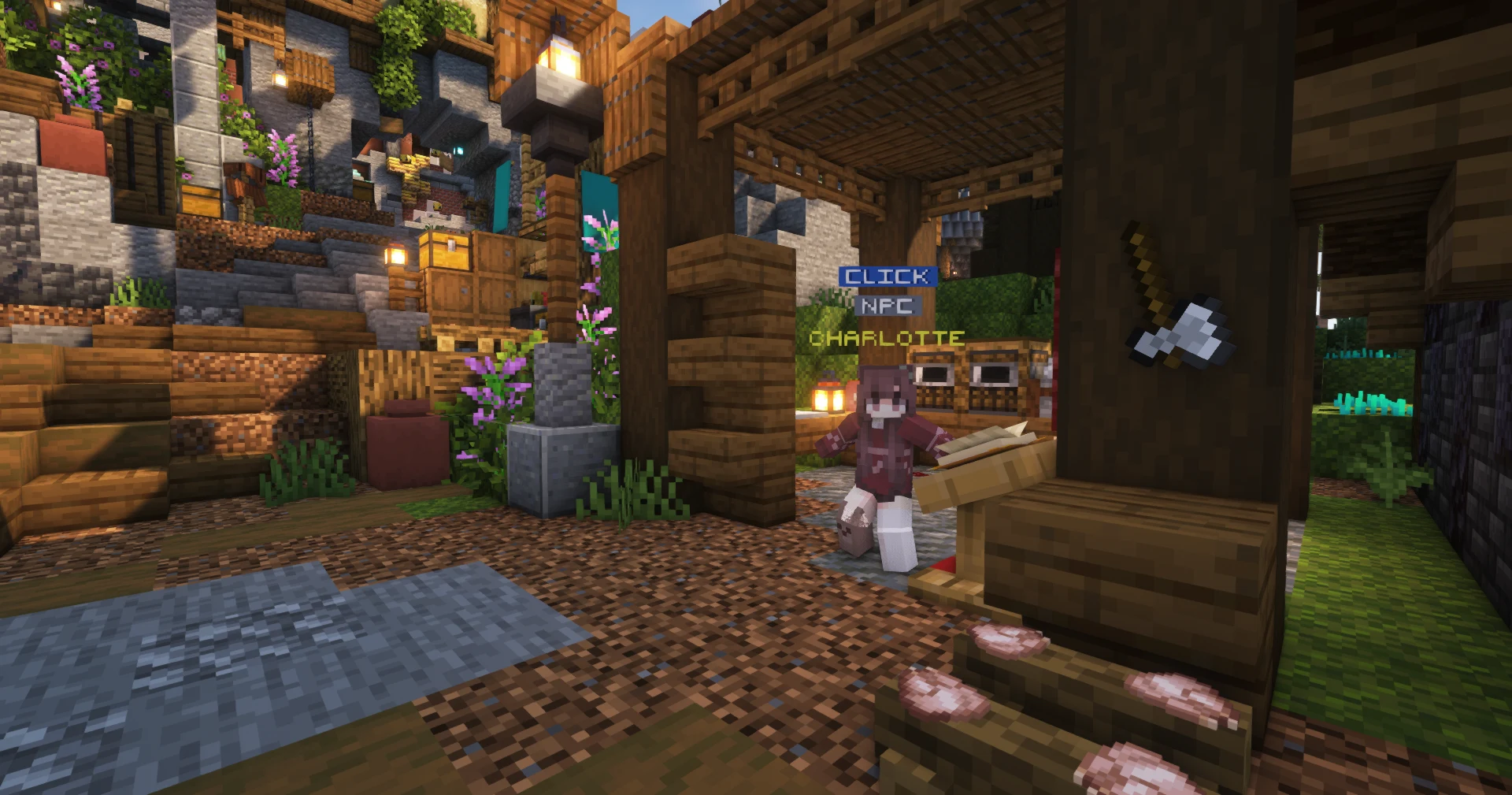
Charlotte is the trader the questline introduces to show you the ropes of selling in the Cove. Follow her early quests and you'll learn the basics of trade before you make your first big sale. See the story guide for more.
Commands
/ah: open the Auction House to buy and sell/chestshop: create and manage the buy/sell shops in your market stall (create,list,rename,show,remove,help)
Related Guides
- Ranks: unlock more listing slots and stall rentals
- Player Warps: bring buyers straight to your shop
- The Travelling Merchant: rotating exclusive custom items
- Currency & Banking: manage the Gold you earn from selling